Calendiary

Your day:Planned vs. Lived

Most calendars show you what you planned. Calendiary shows you what actually happened, too — and helps you adapt your schedule when life gets in the way.

Calendar View: PLANNED VS. ACTUAL

Keep your planned day in a sync with reality

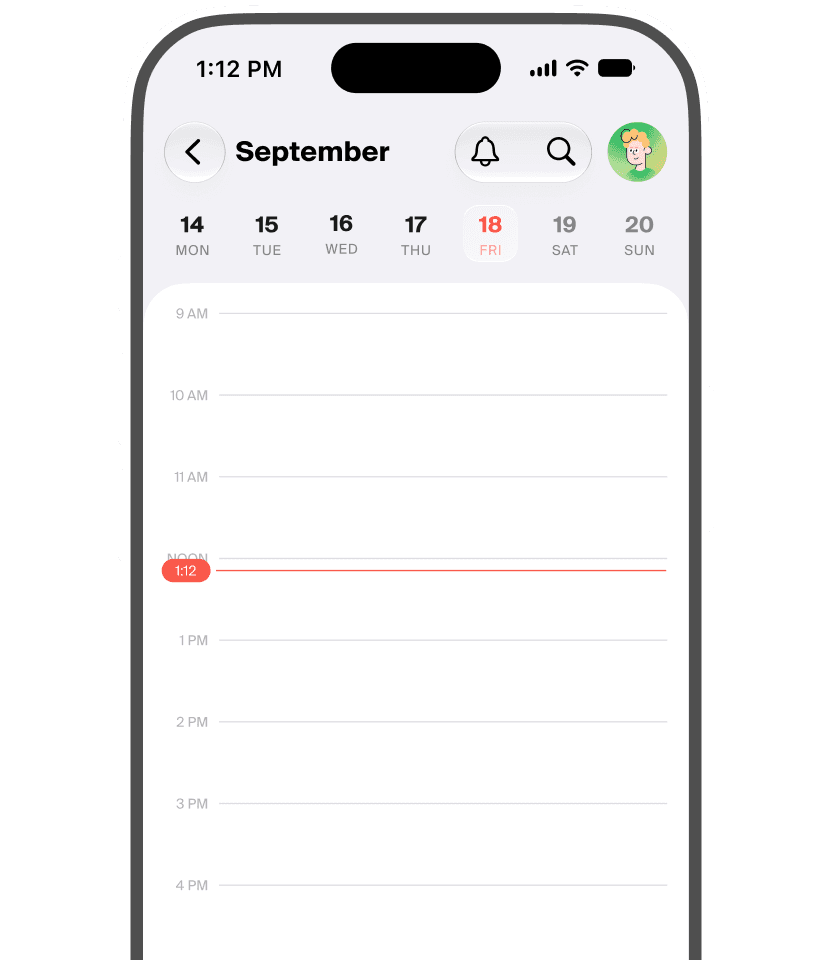
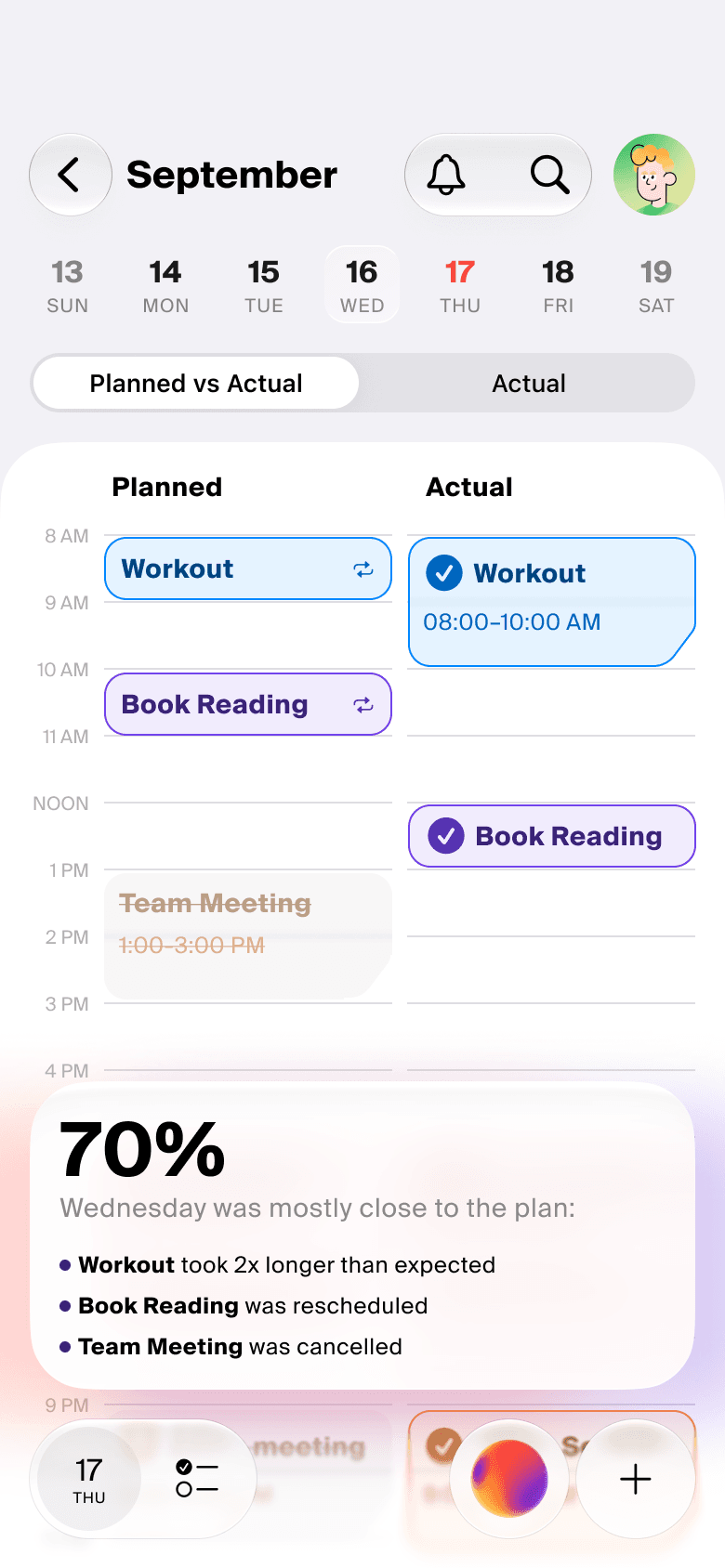
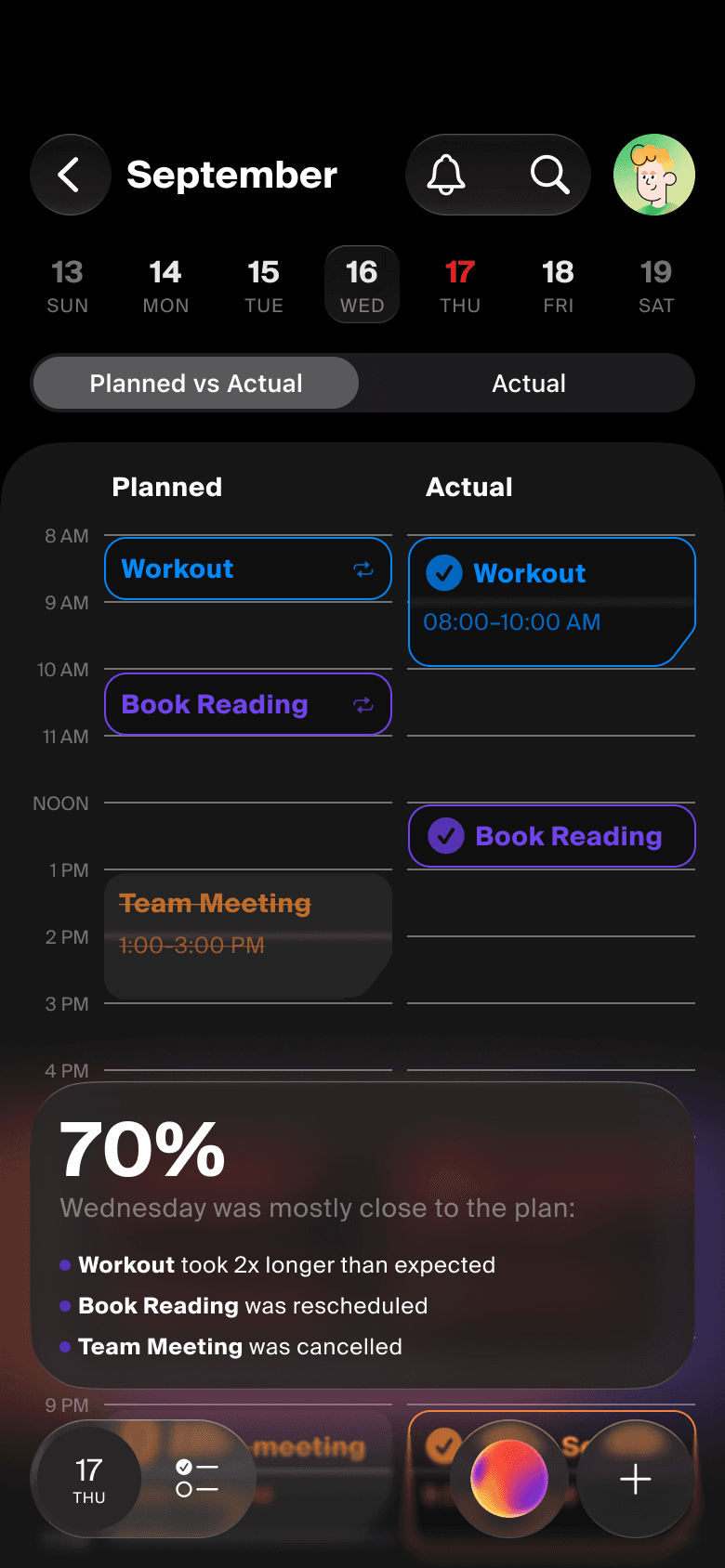
Switch to Planned vs. Actual to see your day split vertically between your plan and your actual time. Review today or look back at previous days to see where your time really went.
AI ASSISTANCE

Plan and adjust your plan in seconds with AI

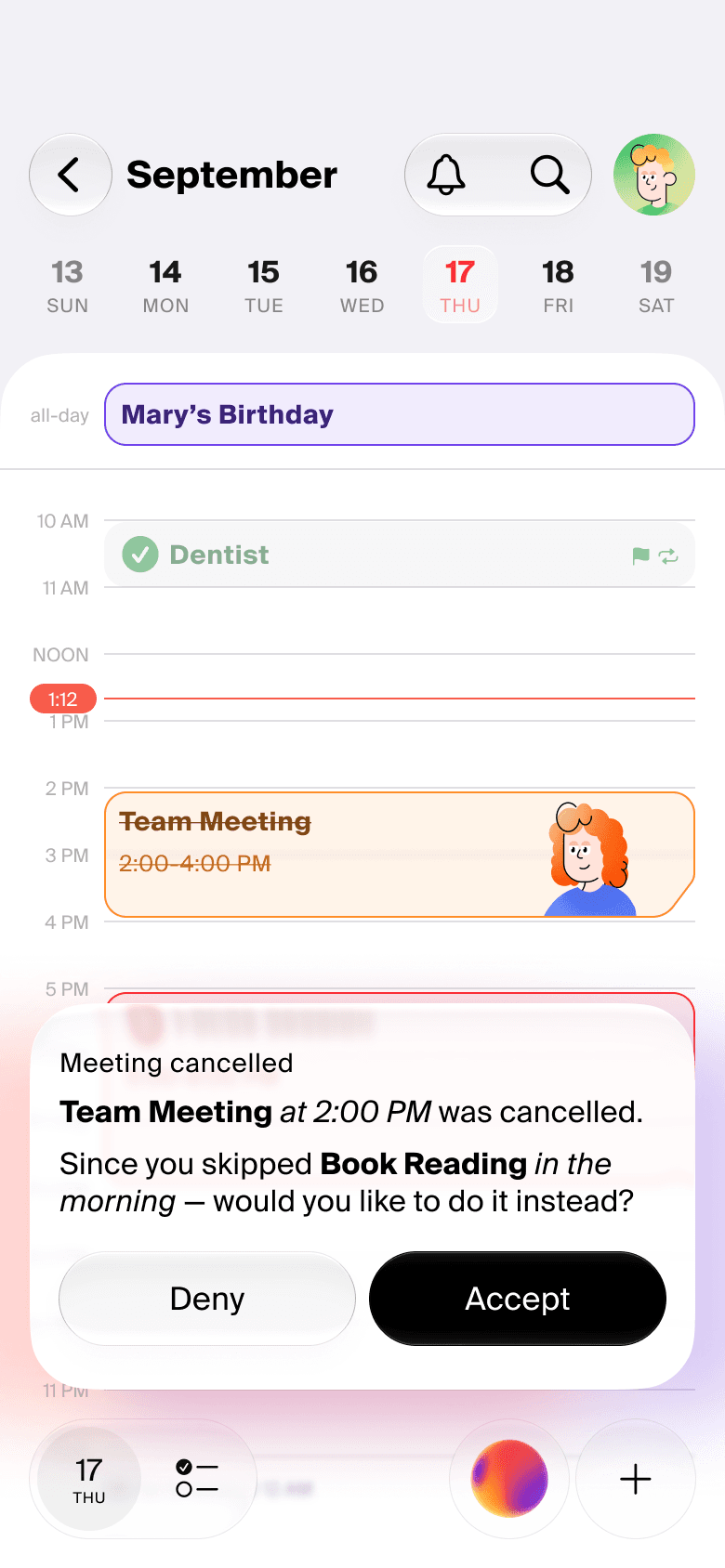
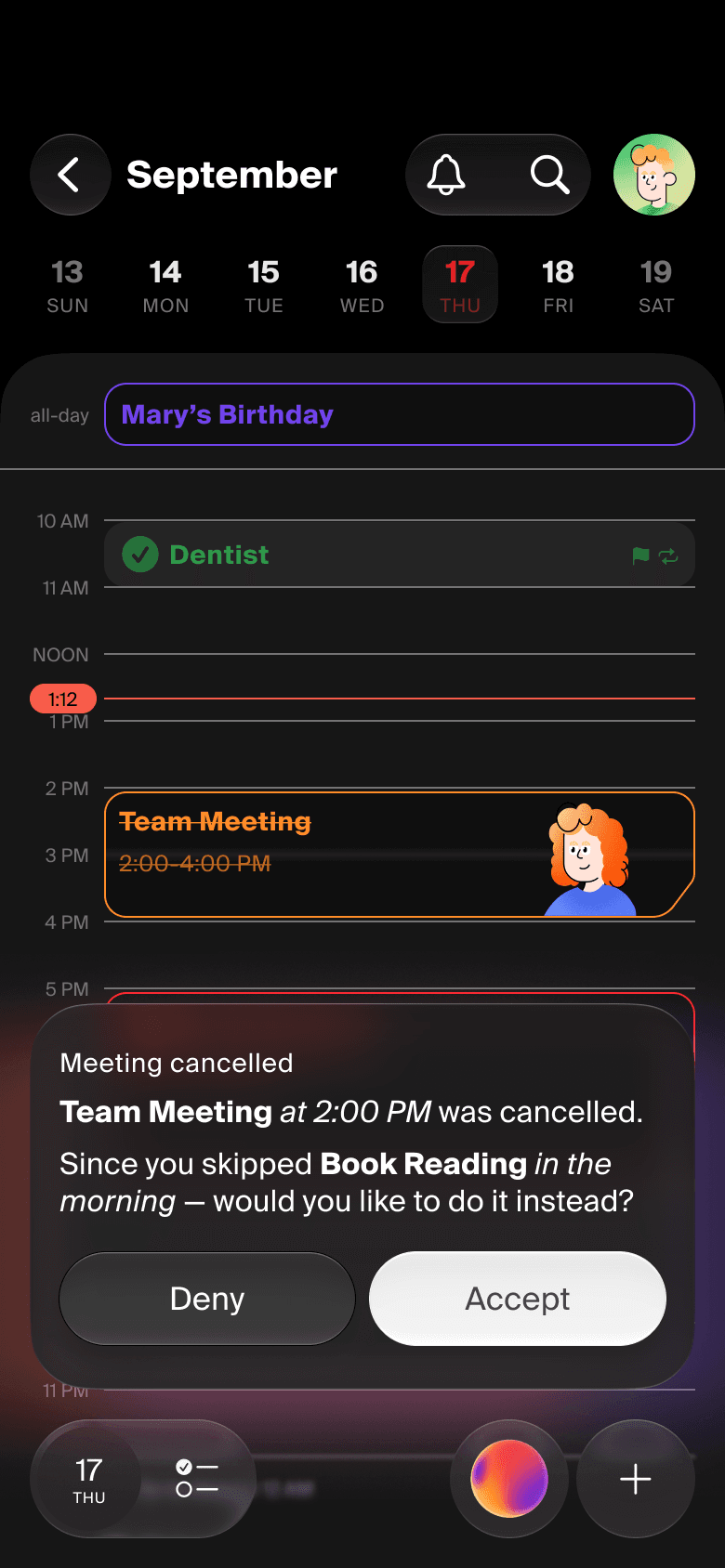
Plan faster with an AI Assistant that knows your calendar. If plans change, ask AI to rearrange the rest of your day without starting from scratch. If some free time is available, the app will suggest a task from your to-do list.

PLAN TOGETHER

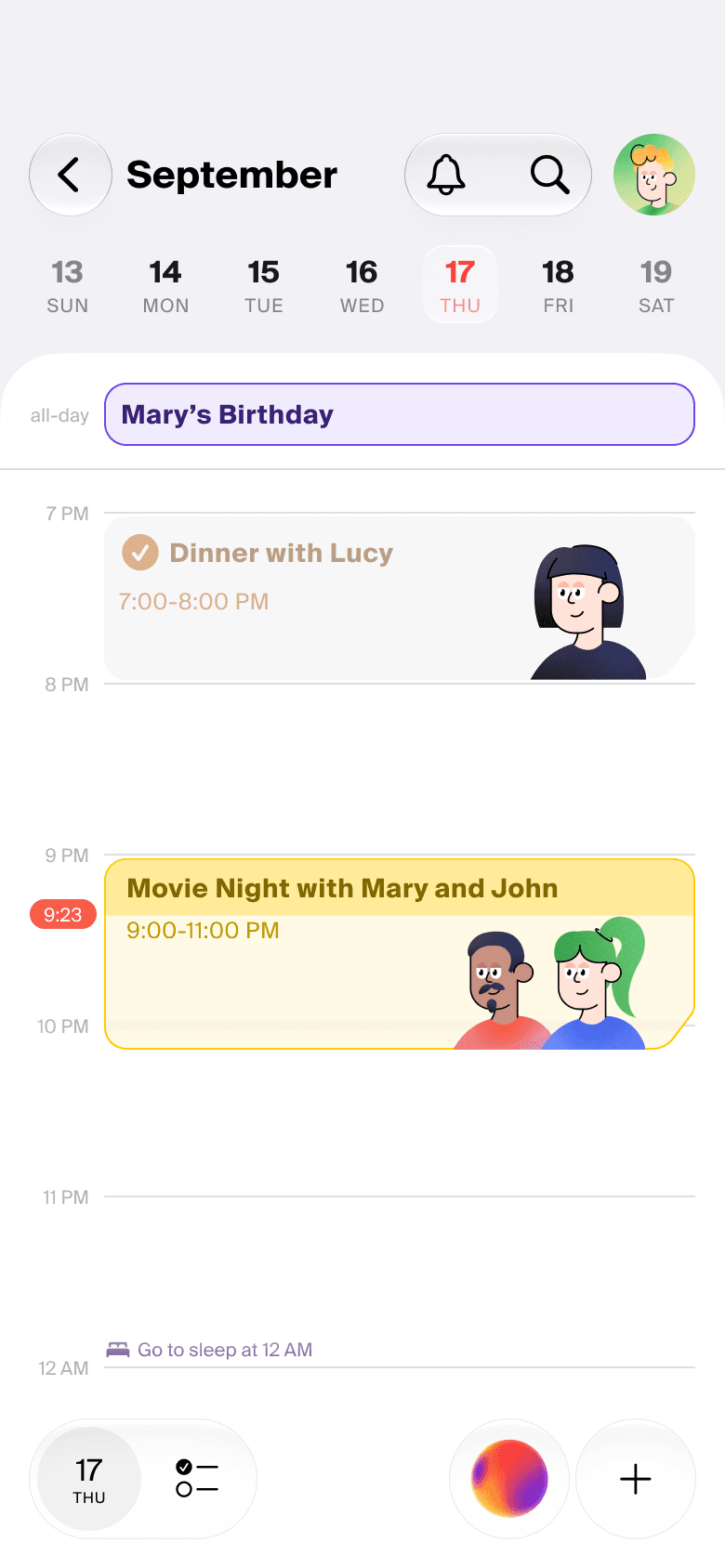
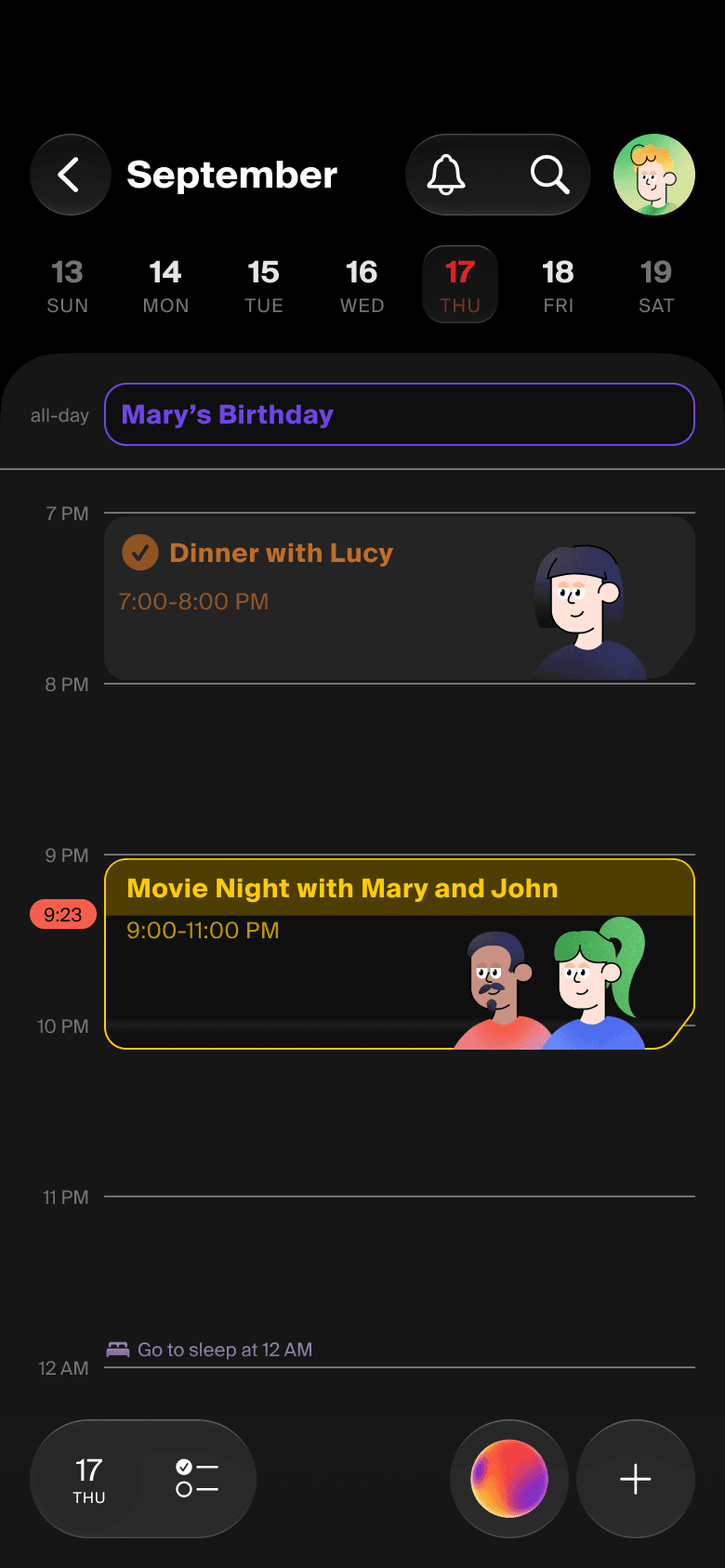
See your friends' avatars right on the events

Morning run? Daily team meeting? Movie night? Invite your family, friends, or colleagues to do it all together. Best part: see each other' avatars on the event cards.

8:55 AM

More features

Screen Time

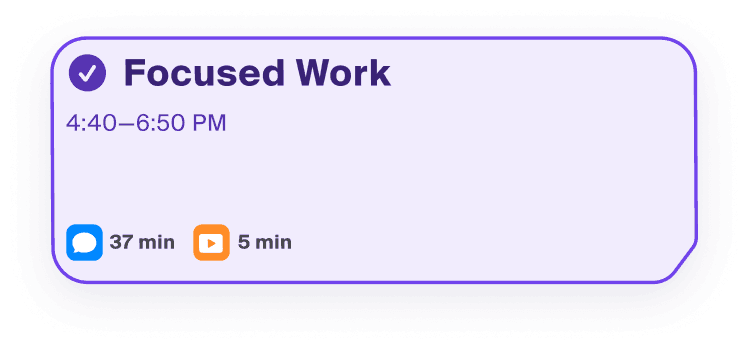
See your app usage during each event and discover where your time actually goes.

Screen Time

Live Activities

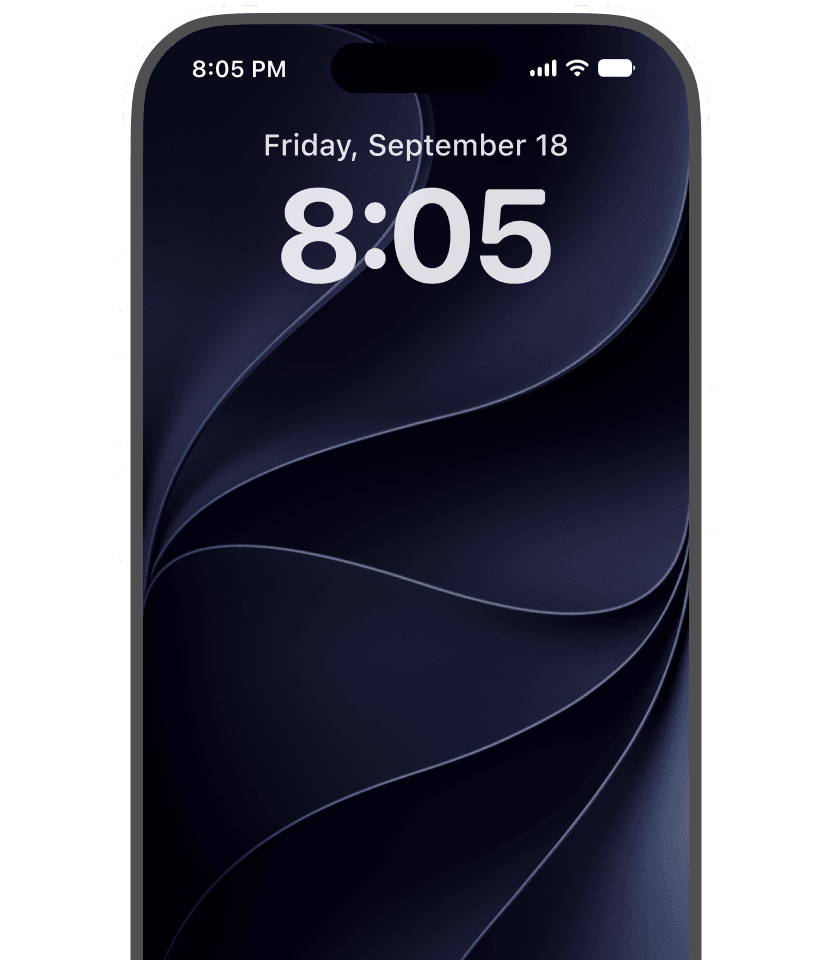
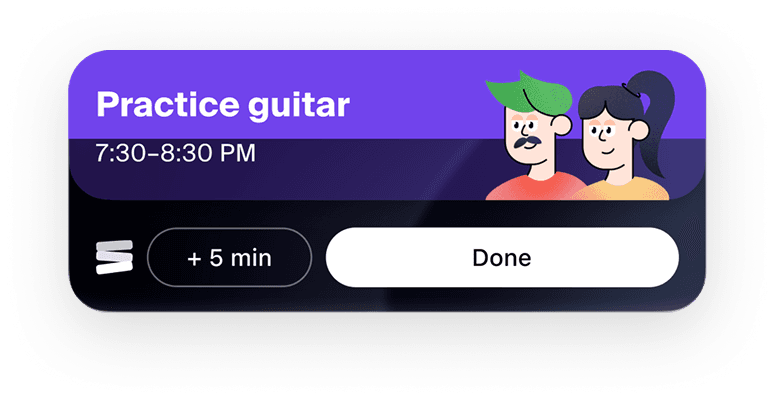
Track event progress in real time, right on your Lock Screen. No more missed notifications.

Live Activities

Goal Breakdown

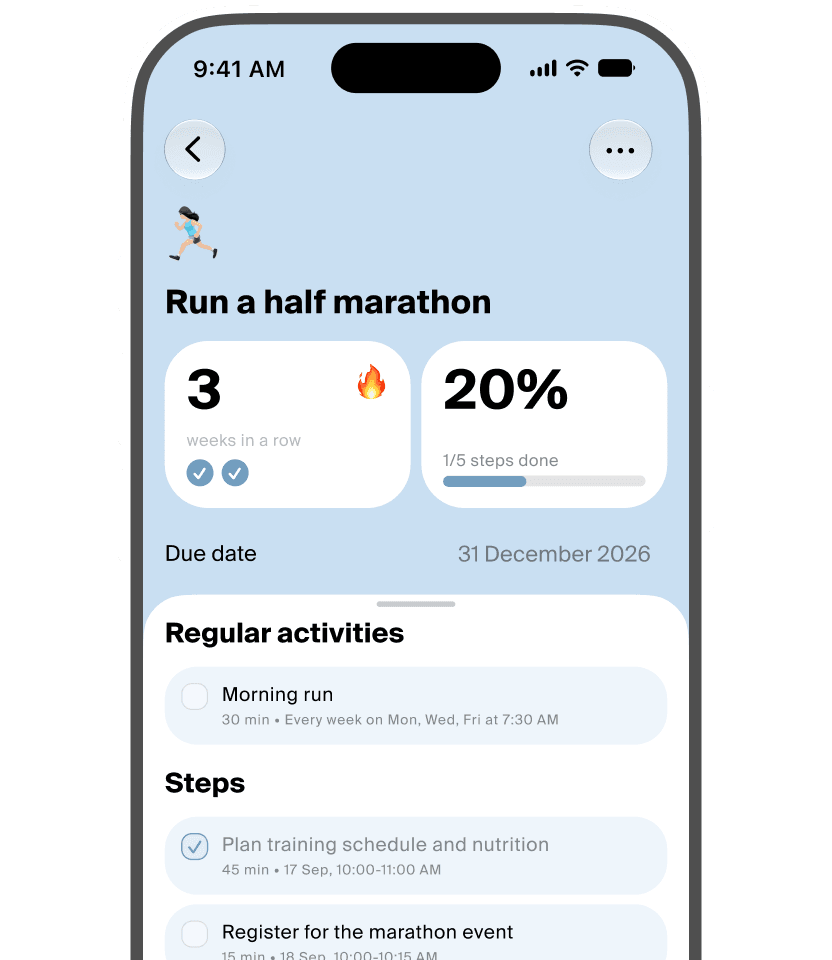
Turn your goals into smaller steps and find time for them even on busy days.

Goal Breakdown

Any questions?

What is Calendiary?

Calendiary is a smart calendar app that plans for you, helps to stay on track and reflow the day, if plans change.

How is Calendiary different from other calendar apps?

Is Calendiary free?

What is Calendiary Plus?

Can I use Google Calendar with Calendiary?

When will Calendiary be available on Android?